WEBSITES, WITH WEBTUMMY
An AI website builder for small business.
Turn what you know about your business into a website you can keep improving. Describe your services, review an AI-generated draft and make it yours with a visual editor.
7 days free for eligible new customers, then US$29/month for one website. Card required. Cancel before your trial ends to avoid a charge.
THE RIGHT STARTING POINT
Start with the business, then build the pages.
Your first website needs to answer a few practical questions: what do you offer, who is it for, and how can someone contact you? Webtummy uses your brief to help plan pages and draft their content. You supply the facts; AI gives you a starting point to review, rather than a reason to invent services or customer results.
Explain each service clearly
Use a dedicated page for a service that needs more explanation. Describe what is included, the information a customer should provide and the next step. Edit the wording directly or ask the AI Assistant for a focused revision.
Give enquiries a clear destination
Add a contact form and edit its field labels, required fields and submission behaviour. Use buttons to lead visitors to the right page. Test the form after publishing so an interested visitor has a working way to reach you.
Manage the website after launch
Update page titles and descriptions, publish new content and review traffic reports from the same workspace. A custom domain and managed hosting keep publishing connected to the website you are editing.
A CONCRETE STARTING BRIEF
A service business website brief
Illustrative example to adapt to your own business; this is not a customer case study.
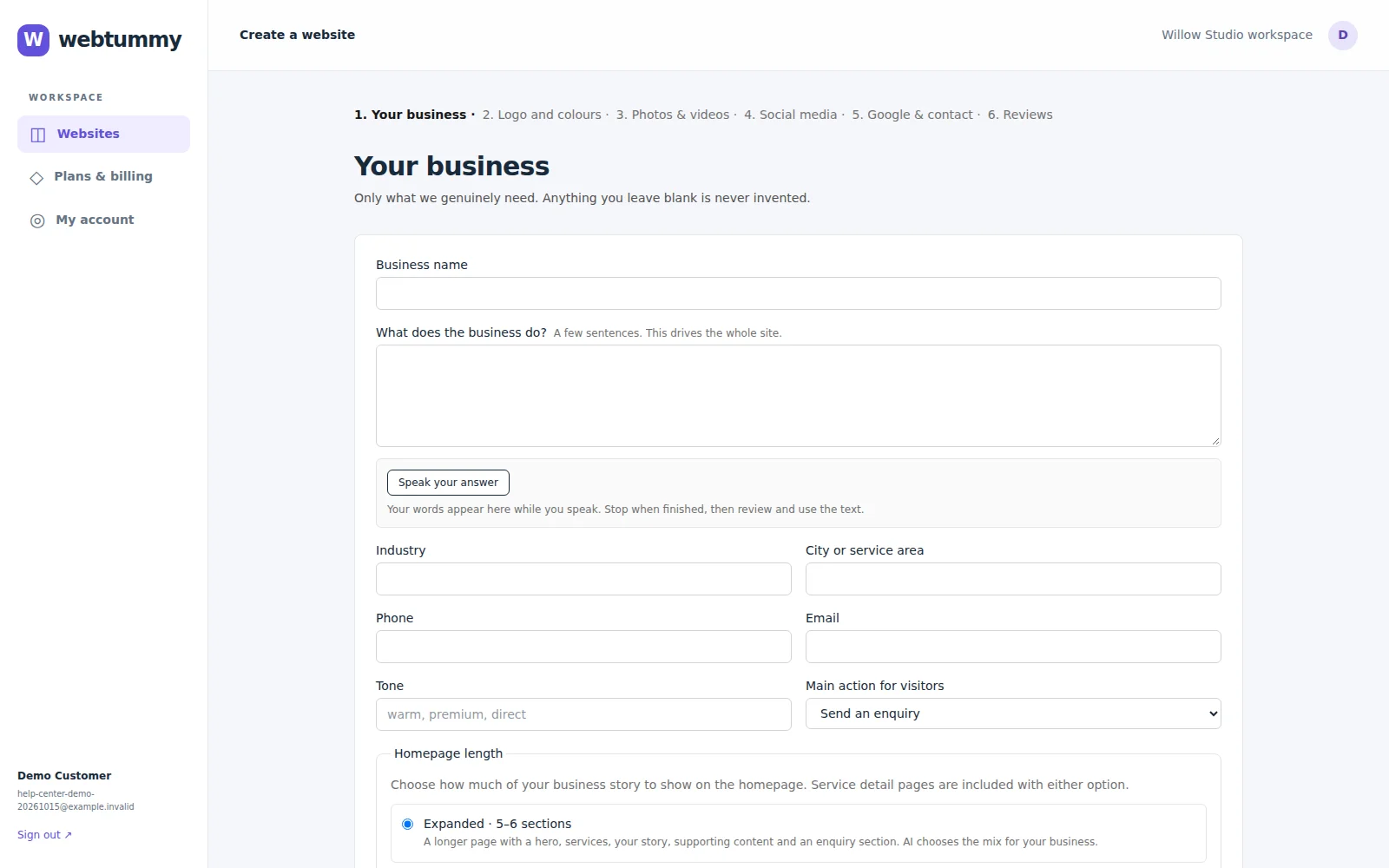
Create a website for a small bookkeeping business. We offer monthly bookkeeping, invoice organisation and management reports. Our customers are independent business owners. Use a clear, reassuring tone and make the main action “Ask about bookkeeping”. Do not invent qualifications or testimonials.
Home
Introduce the bookkeeping offer, explain who it helps and link to the services and contact pages.
Monthly bookkeeping
Describe the actual monthly tasks, what the customer supplies and how to ask about availability.
Contact
Collect the visitor’s name, email and a short description of the help they need.
FROM DRAFT TO PUBLISHED
Build it. Review it. Make it yours.
- Describe your real services and upload the brand assets you already own.
- Review the generated pages, replace any incomplete details and test the contact journey.
- Preview mobile and desktop, connect your domain and publish the saved website.
See the real product workflow
These illustrated guides show the editor controls used for this kind of website.
Questions about ai website builder
Can I change the AI-generated website?
Yes. Edit text and layout visually, update images and colours, or ask the AI Assistant for changes. Review its changes before saving and publishing.
Are SEO tools and hosting included?
The Individual plan includes page SEO controls and managed hosting for one website. These tools help you configure your site; search rankings and indexing are determined by search engines.
What does Webtummy cost?
The Individual plan is US$29 per month for one website. Eligible new customers receive a 7-day free trial. A card is required and billing begins after the trial unless you cancel beforehand.
Give your next chapter a website.
Build with AI, edit visually and publish with managed hosting.