WEBSITES, WITH WEBTUMMY
An AI website builder for freelancers and their work.
Bring selected projects, your services and a way to contact you into one portfolio website. Show the work you can share and explain the role you played in it.
7 days free for eligible new customers, then US$29/month for one website. Card required. Cancel before your trial ends to avoid a charge.
THE RIGHT STARTING POINT
Help the right client understand your work.
A freelance website should make it easy to see what you do and why a project is relevant. A gallery alone may not explain your contribution. Use Webtummy’s portfolio sections and editable pages to pair approved visuals with a concise description of the brief, your role and the finished deliverable.
Present selected projects
Add supplied work to a portfolio section with a title, category, image, description and optional link. Use the projects you are allowed to publish. Keep client identities and private materials out when your agreement does not permit sharing them.
Explain what you offer now
Describe services separately from past work. A writer might explain articles and editorial support; a designer might explain identity design and presentation work. Set expectations about the information you need for a new enquiry without inventing prices or turnaround guarantees.
Keep your portfolio current
Replace older images, revise service copy and add a new page as your practice changes. Review the desktop and mobile versions, then publish the saved update. Your portfolio can evolve without starting over with a new website.
A CONCRETE STARTING BRIEF
A freelance design portfolio brief
Illustrative example to adapt to your own business; this is not a customer case study.
Create a portfolio website for a freelance presentation designer. I will supply three projects and the images I have permission to share. Show the brief, my role and the deliverables for each. Explain presentation design and template services, then invite project enquiries. Do not invent client names or testimonials.
Selected work
Show the three supplied projects with approved imagery and an explanation of the designer’s contribution.
Services
Describe the actual presentation and template services, what a client supplies and how to discuss scope.
Project enquiry
Ask for contact details and a short project description, then explain how the freelancer will respond.
FROM DRAFT TO PUBLISHED
Build it. Review it. Make it yours.
- Choose a small set of real projects and confirm which images and details you can share.
- Create your portfolio and service pages, adding factual descriptions and a contact action.
- Check image quality and mobile presentation, connect your domain and publish.
See the real product workflow
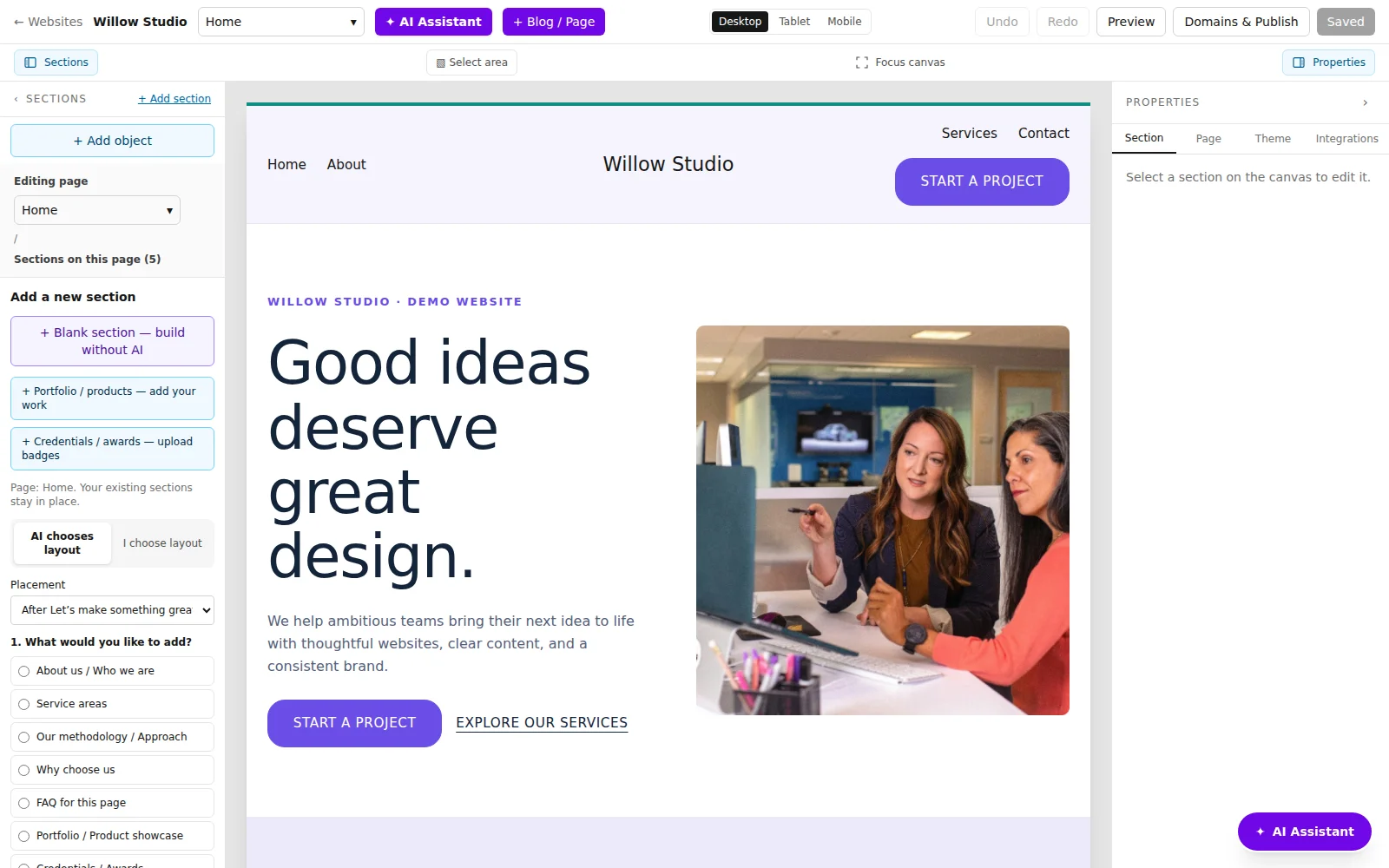
These illustrated guides show the editor controls used for this kind of website.
Questions about for freelancers
Can I add project images and links?
Yes. Portfolio sections support supplied images, descriptions, categories and optional destination links. You can edit those items in the properties panel.
What if I cannot publish client work?
Explain your services and process, and use your own work or approved anonymised examples. Label personal or demonstration projects accurately rather than presenting them as client commissions.
Can a visitor send a project enquiry?
Yes. Add a contact form and configure the fields and submission behaviour. Test it on the published website before relying on it for new enquiries.
Give your next chapter a website.
Build with AI, edit visually and publish with managed hosting.