WEBSITES, WITH WEBTUMMY
A restaurant website builder for your food and your story.
Give diners a clear place to read your menu, see your own food photos and choose the next step. Use Webtummy for the website and link to the booking or ordering service you already use.
7 days free for eligible new customers, then US$29/month for one website. Card required. Cancel before your trial ends to avoid a charge.
THE RIGHT STARTING POINT
Keep the information diners need easy to read.
A restaurant’s website can introduce the food, explain the offer and present current menu information. Start with accurate names, descriptions and prices, then check how they read on a phone. Webtummy supports editable website pages, images, text and links; this use case is a restaurant information website.
Publish readable menu content
Use headings and text to organise your actual dishes, descriptions and supplied prices on a page. Review every update before publishing. Confirm dietary and allergen statements yourself rather than asking AI to infer them from a dish name or photograph.
Use photographs of your own food
Upload images you have the right to use and replace them through the image controls. A real dish photo gives diners a more accurate expectation than an unrelated stock image. Add descriptive alternative text and check the crop on mobile.
Connect the next step
Set buttons to an existing reservation or ordering URL, or use a contact form for general enquiries. Webtummy does not provide a native table-availability system, point of sale or food-ordering checkout. Those transactions remain with the service you link to.
A CONCRETE STARTING BRIEF
A restaurant information-site brief
Illustrative example to adapt to your own business; this is not a customer case study.
Build a website for an independent restaurant. I will supply the restaurant name, menu, prices and food photos. Create Home, Menu, Our Story and Contact pages. Add “View menu” as the main action. Add a reservation link only when I provide its URL. Do not invent dishes or dietary claims.
Menu
Use the supplied dish names, descriptions and prices as editable page content, grouped under clear headings.
Our story
Tell the owner’s actual story and show original food or interior photographs with permission.
Contact and reservations
Provide the supplied contact options and link to an existing booking service when one is available.
FROM DRAFT TO PUBLISHED
Build it. Review it. Make it yours.
- Collect your current menu text, approved prices and original photos.
- Create and edit the pages, then check menu readability and image crops on a phone.
- Test any external booking or ordering link and publish the reviewed website.
See the real product workflow
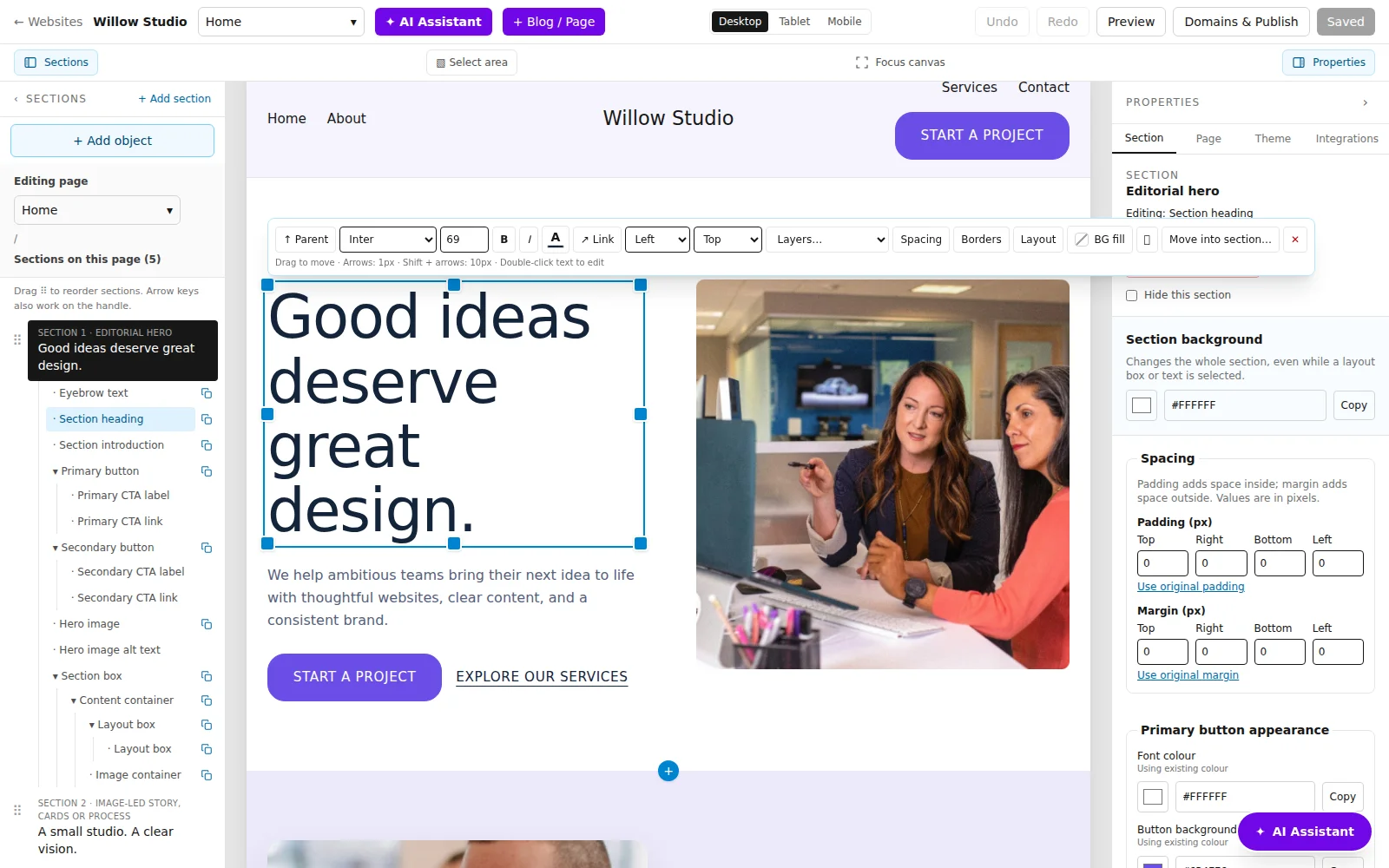
These illustrated guides show the editor controls used for this kind of website.
Questions about for restaurants
Can I update dishes and prices myself?
Yes. When the menu is published as page text, you can edit its content in the visual editor, save it and publish the update.
Does Webtummy manage restaurant orders or table availability?
No. Use it to build the restaurant website and link to your existing ordering or reservation service. That service manages the transaction and availability.
Will AI create accurate dietary or allergen labels?
You must supply and verify those details. Do not rely on AI to determine ingredients, allergens or suitability for a dietary requirement.
Give your next chapter a website.
Build with AI, edit visually and publish with managed hosting.