WEBSITES, WITH WEBTUMMY
An AI website builder for consultants with something to explain.
Help a potential client understand the problem you solve, how an engagement works and whether your experience fits their needs. Build service pages around those decisions.
7 days free for eligible new customers, then US$29/month for one website. Card required. Cancel before your trial ends to avoid a charge.
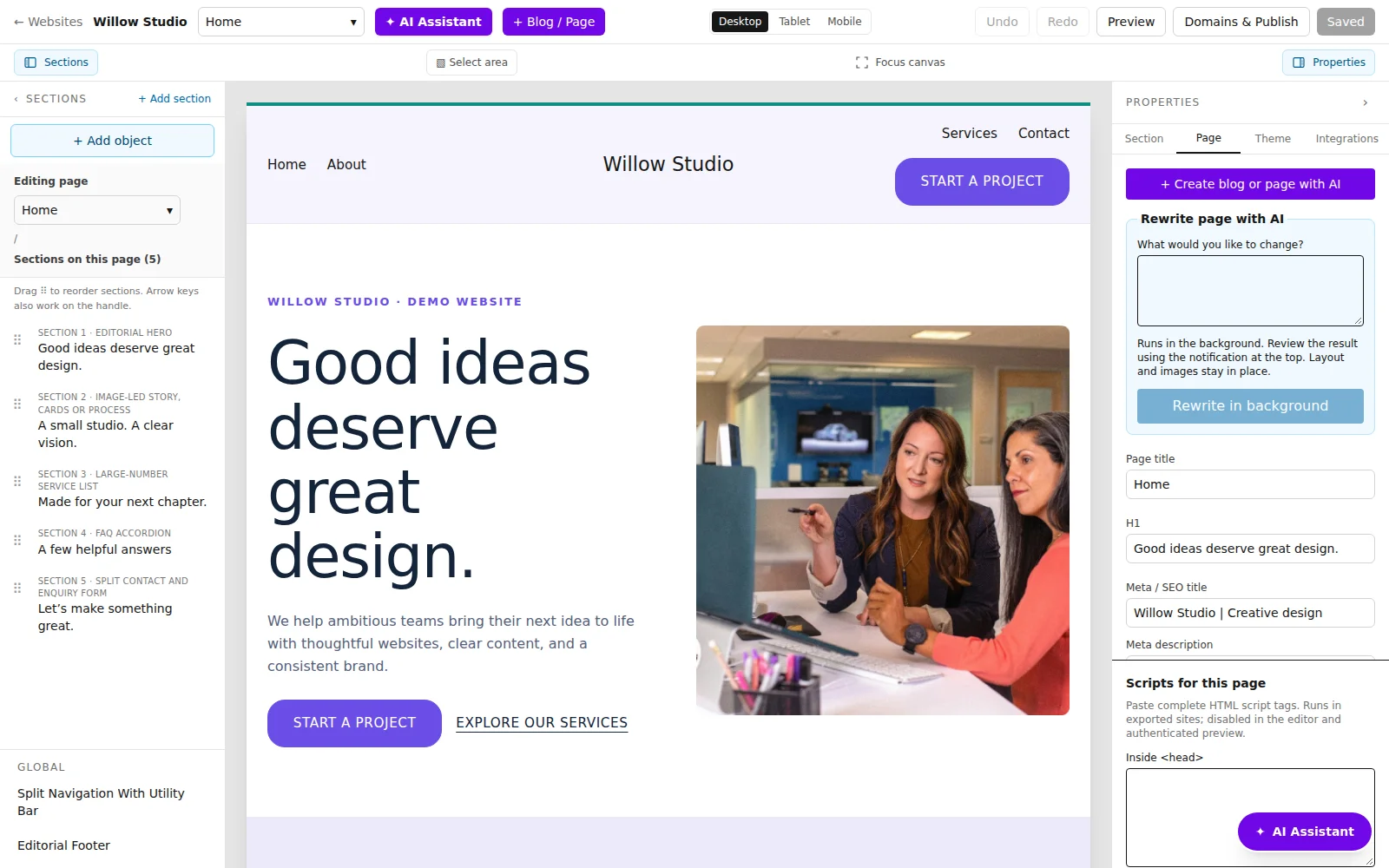
THE RIGHT STARTING POINT
Make expertise easier to assess.
A consulting website needs more than a broad promise to help businesses grow. Separate the services you actually provide, explain your process and use evidence you are allowed to share. Webtummy can help draft and organise these pages; your experience, credentials and client permissions remain the source of truth.
Describe the engagement
Create a page for each distinct service. Explain who it suits, the work involved and what a prospective client should bring to a first conversation. Keep deliverables specific without making promises about outcomes you cannot substantiate.
Use real work and credentials
Portfolio and credential sections support supplied project descriptions, images and links. Publish a client name, certification or outcome only when it is accurate and you have permission. A clear account of your approach is useful even when client work is confidential.
Publish useful explanations
Use pages or blog posts to answer recurring questions about your work. Set a meaningful search title and description for each page, then connect it to the relevant service and enquiry action.
A CONCRETE STARTING BRIEF
An operations consulting brief
Illustrative example to adapt to your own business; this is not a customer case study.
Create a website for an independent operations consultant offering process reviews and workflow documentation. Explain the review process and invite prospects to describe their bottleneck. Use only the background and project information I supply. Do not invent certifications or efficiency improvements.
Process review
Explain the discovery conversation, materials reviewed and the deliverables that are actually included.
Approach and experience
Describe the consultant’s real background and include approved project examples if available.
Discuss a project
Use an enquiry form to ask about the prospect’s challenge and what they want help documenting.
FROM DRAFT TO PUBLISHED
Build it. Review it. Make it yours.
- List your actual consulting offers and the evidence you can publish.
- Draft separate service pages and edit them for accuracy, scope and clarity.
- Connect each service to an enquiry form or your existing appointment link, then test and publish.
See the real product workflow
These illustrated guides show the editor controls used for this kind of website.
Questions about for consultants
Can I give each consulting service its own page?
Yes. You can create and edit separate pages, set their SEO details and add them to the navigation.
Can I link to my scheduling tool?
Yes. Set a button to your existing appointment URL. Scheduling and availability are managed by that external service.
Can I show case studies without naming clients?
You can publish descriptions and images you are authorised to share, including anonymised work where appropriate. Review the content yourself; AI cannot establish permission or verify confidential client facts.
Give your next chapter a website.
Build with AI, edit visually and publish with managed hosting.